


Talk.
Connect.
Get Things Done
15:00

Take 1 x 200 mg with or without food, avoid alcohol. Clean your hands!


9:41


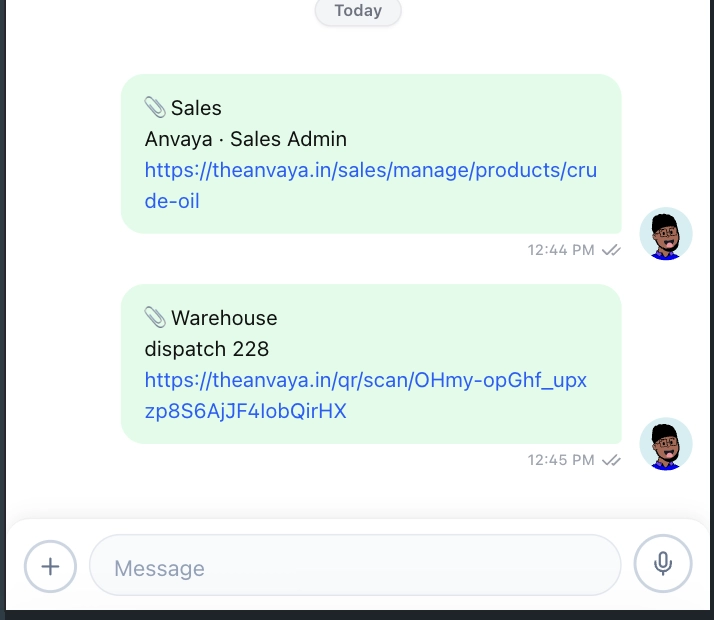
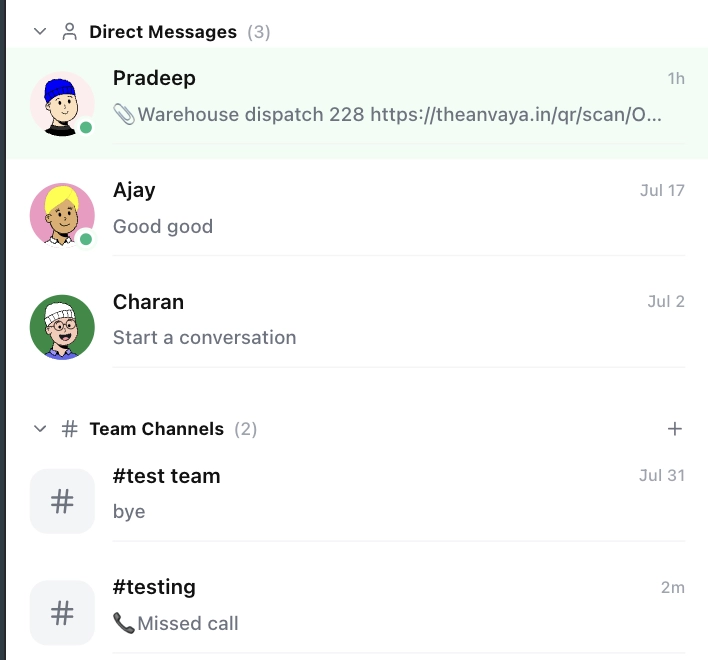
Bring teams, discussions, files, and actions together without losing context.
Disconnected Communication
Scattered Conversations
Too Many Platforms
Lost Messages
No Centralized Chat
Lost Business Context
Conversations Without Records
Missing Documents
No Workflow Context
Repeated Questions
Slow Collaboration
Delayed Responses
Manual Follow-Ups
Approval Bottlenecks
Poor Team Coordination
Communication Without Action
No Task Conversion
Missed Follow-Ups
Siloed Teams
Decisions Lost in Chat
Your Facility Has More Than One Security Problem.
Your Business Has
More Than One Conversation.
Traditional security mainly controls physical entry. Anavya connects physical access with the operational activity happening inside the business.
More Than Chat. It’s How Work Connects
Bring people, messages, files, calls, and business workflows together in one connected workspace.
Where Teams Turn Conversations Into Action.
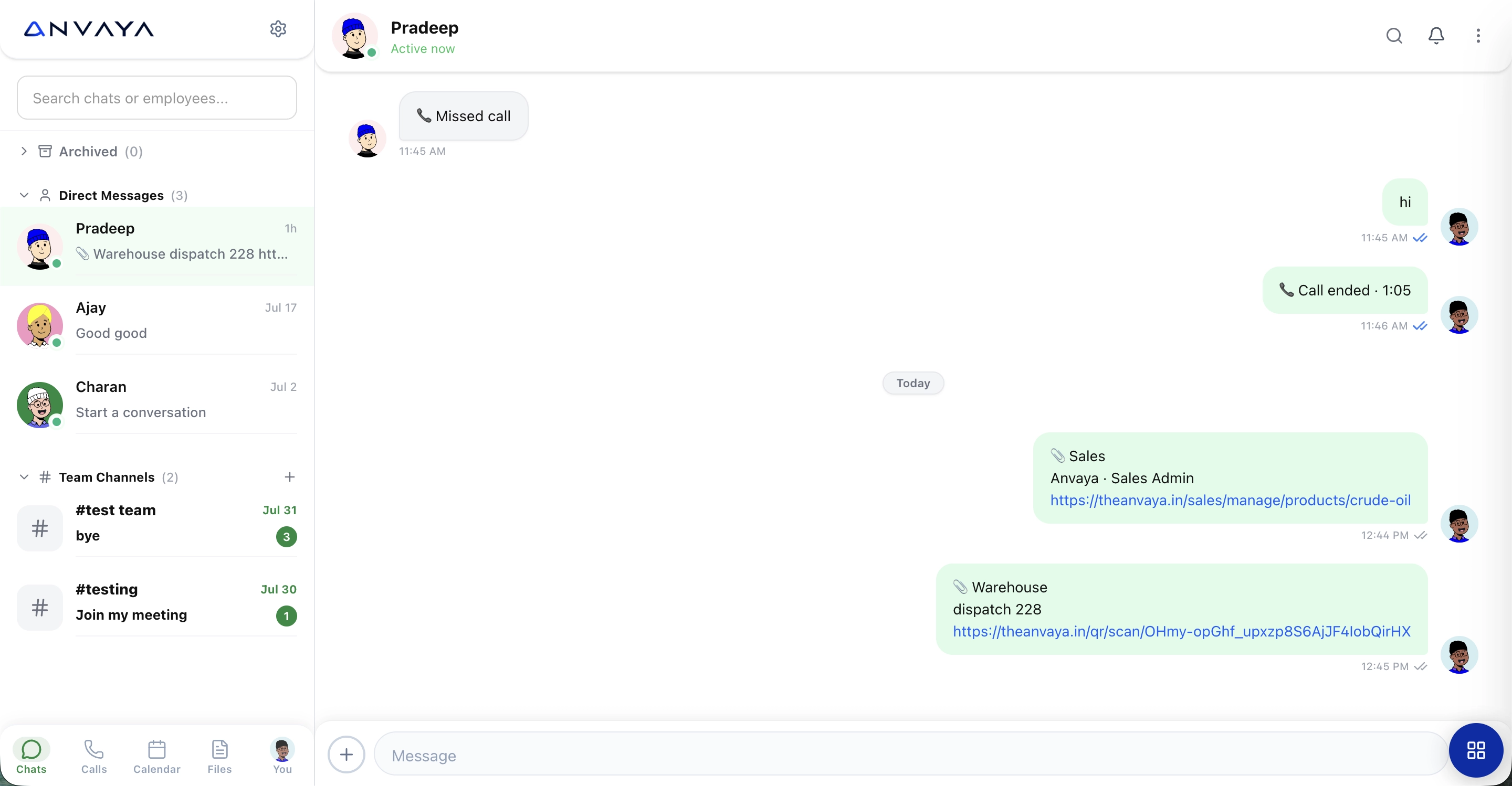
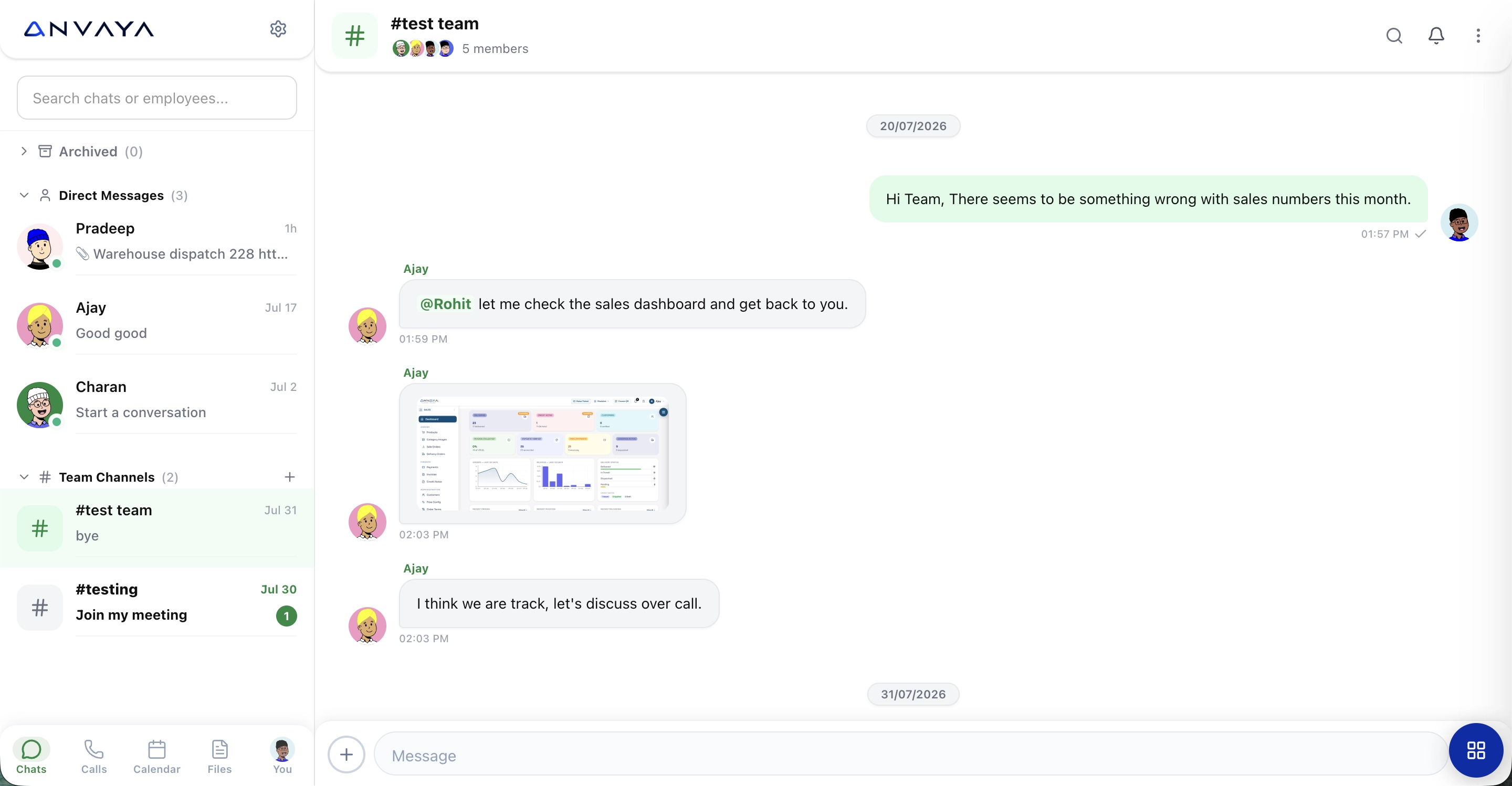
Bring discussions, updates, files, and decisions together so everyone stays aligned and work keeps moving.
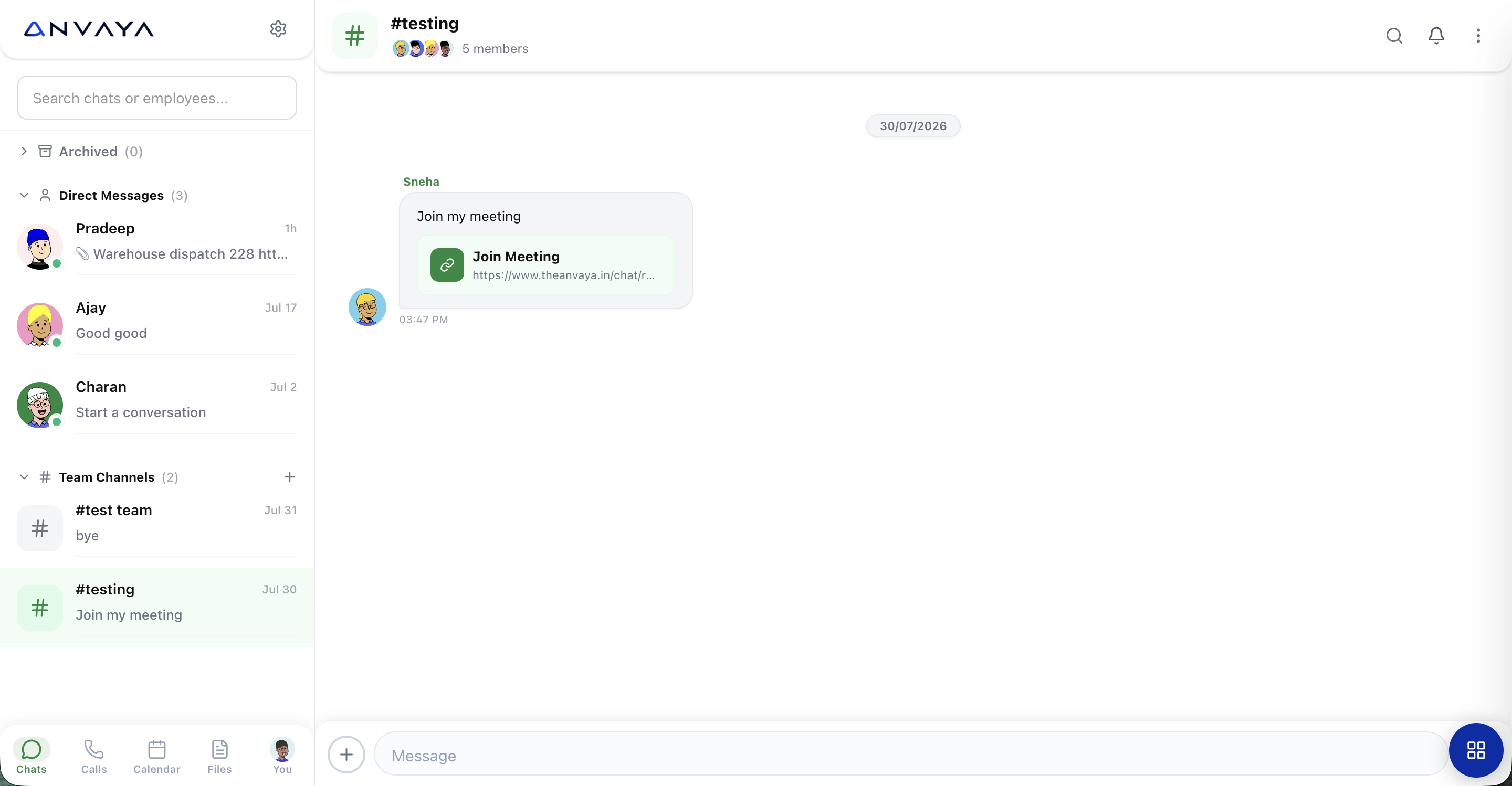
Meetings that start with a Message.
Share meeting links directly in chat and bring your team from conversation to collaboration in one click.
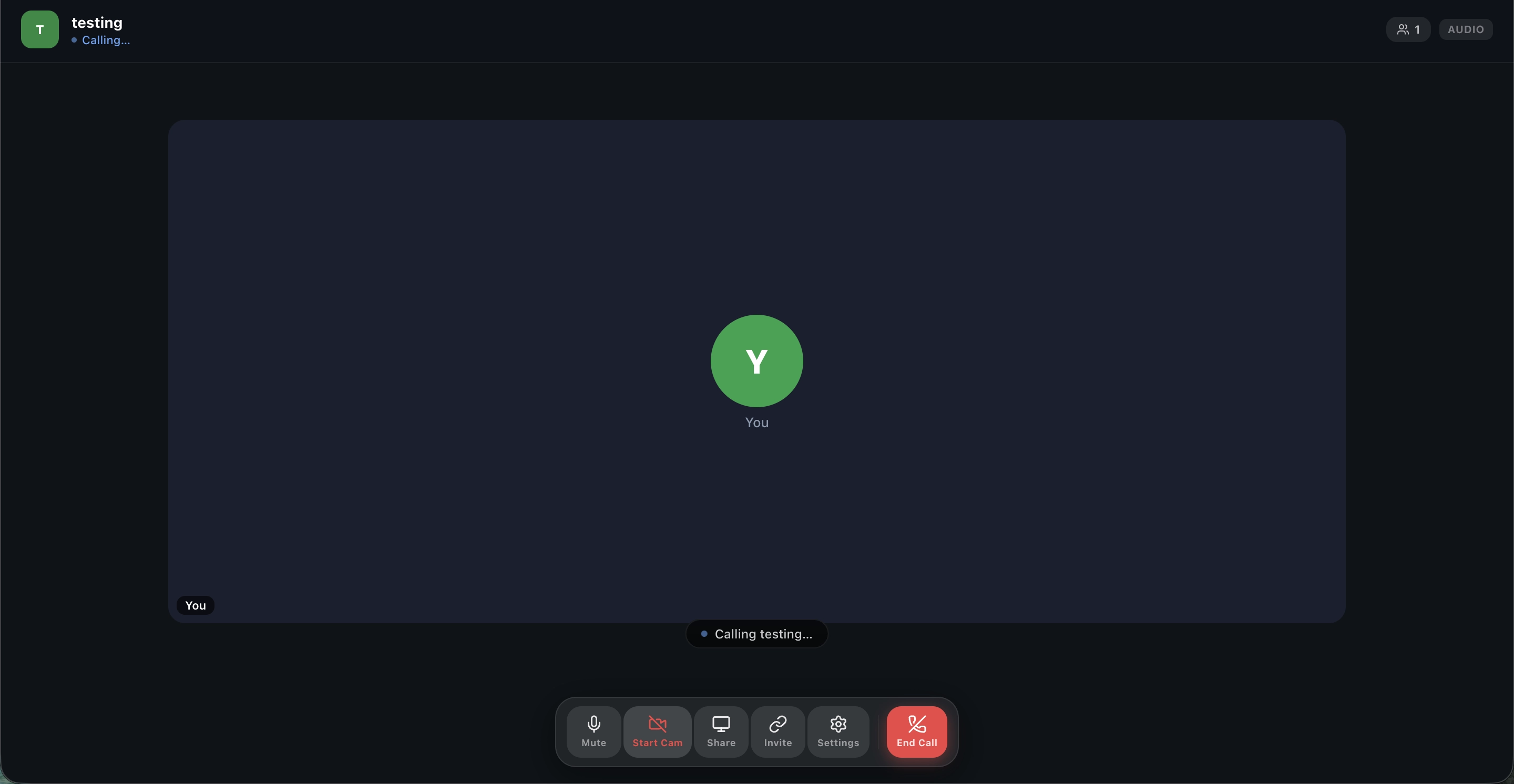
Meetings That Bring Everyone Together.
Connect face-to-face, share screens, and collaborate in real time - without leaving your connected workspace.
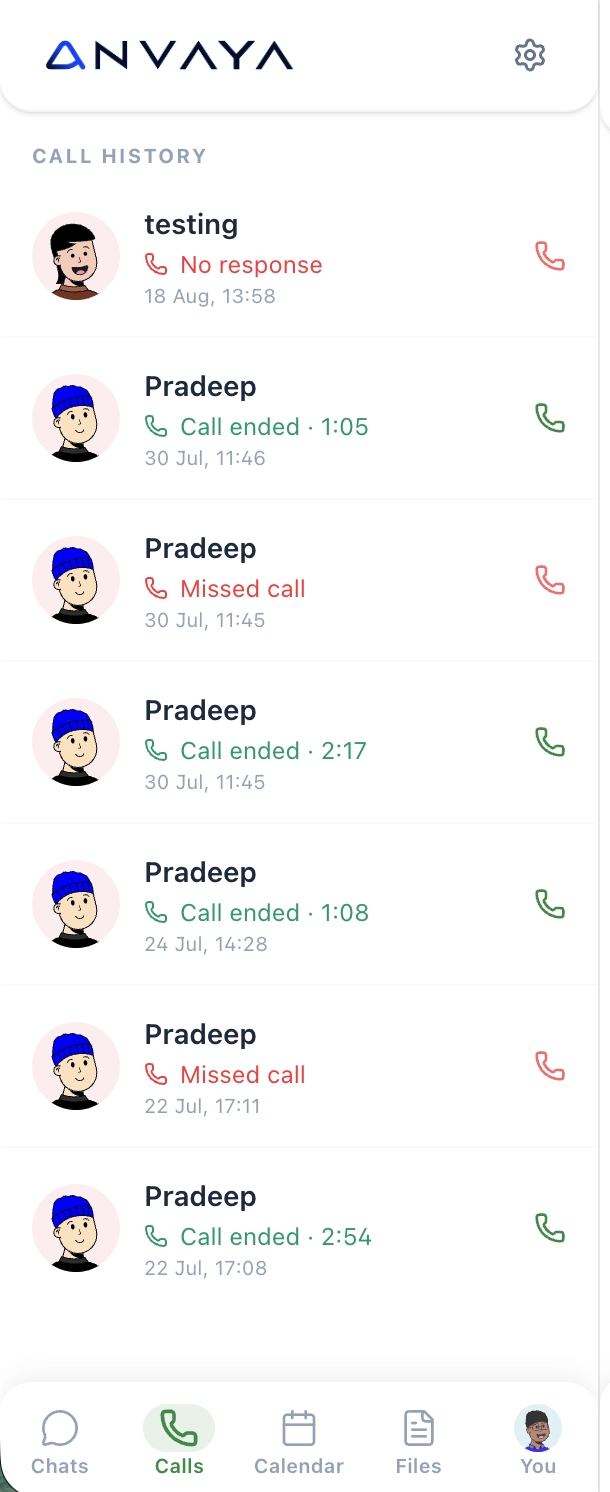
Never Miss A Conversation
See every call, follow up instantly, and keep your communication history connected.
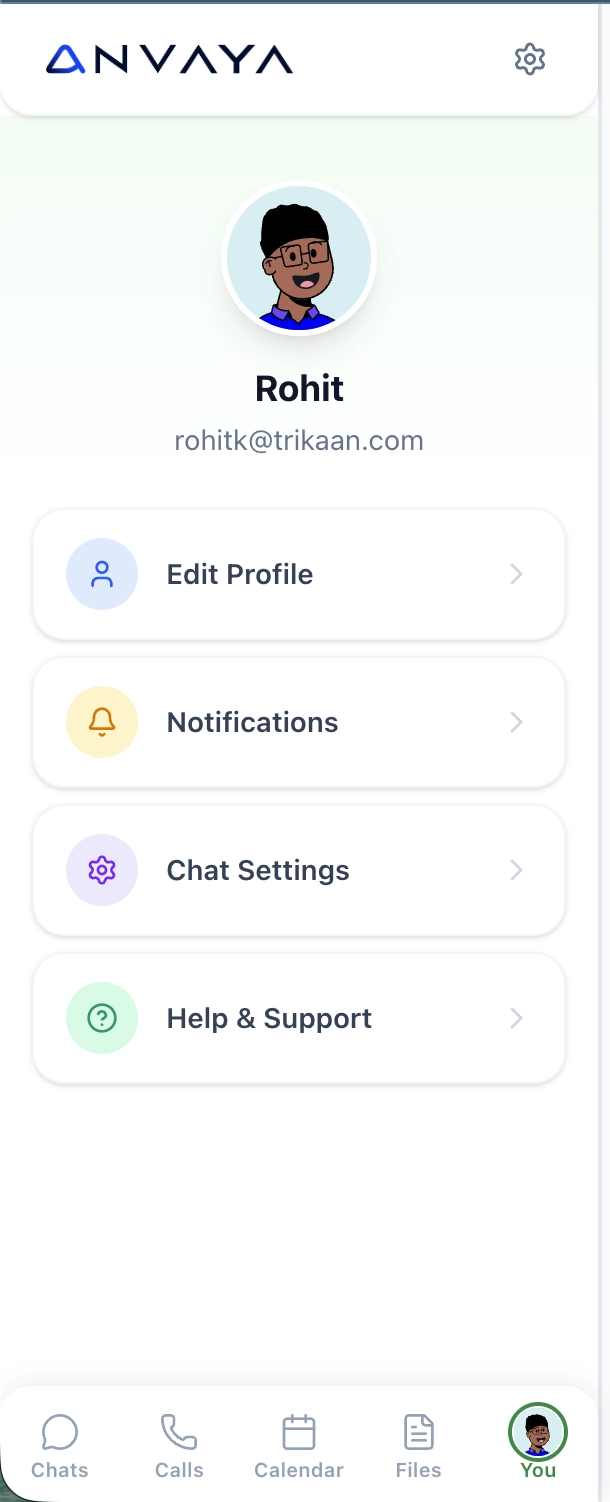
Everything You Need,
Right on Schedule.
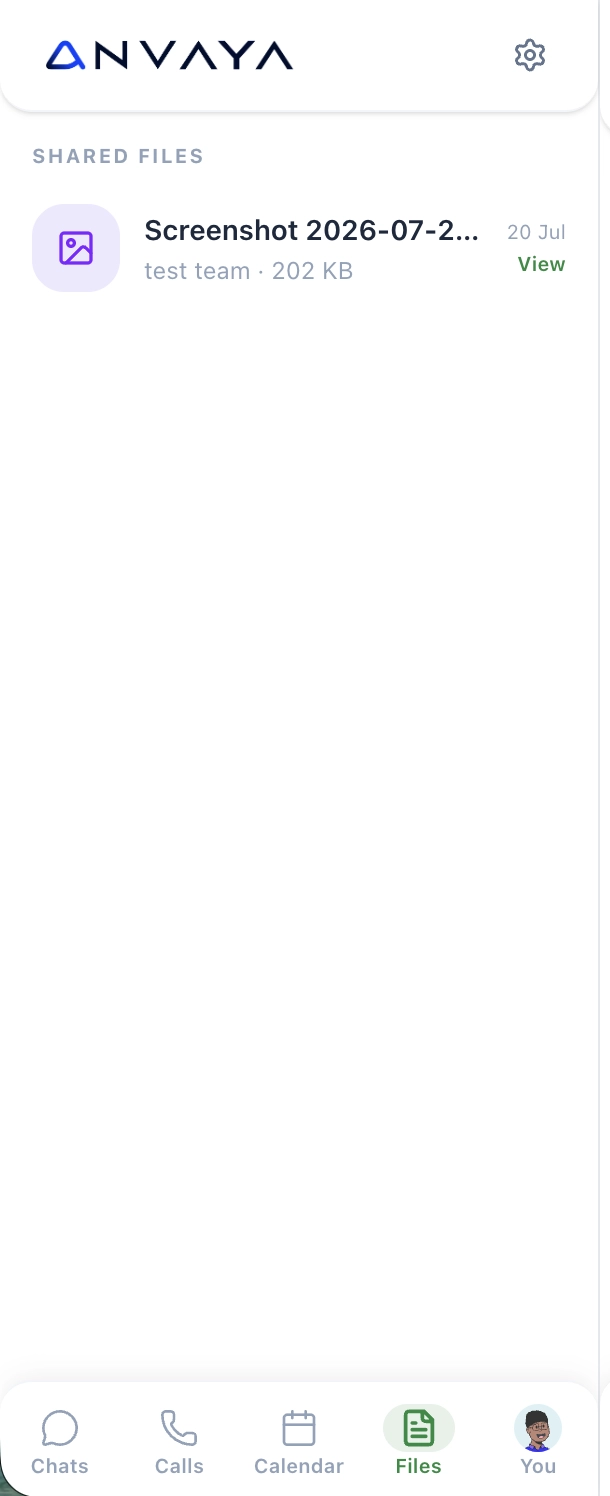
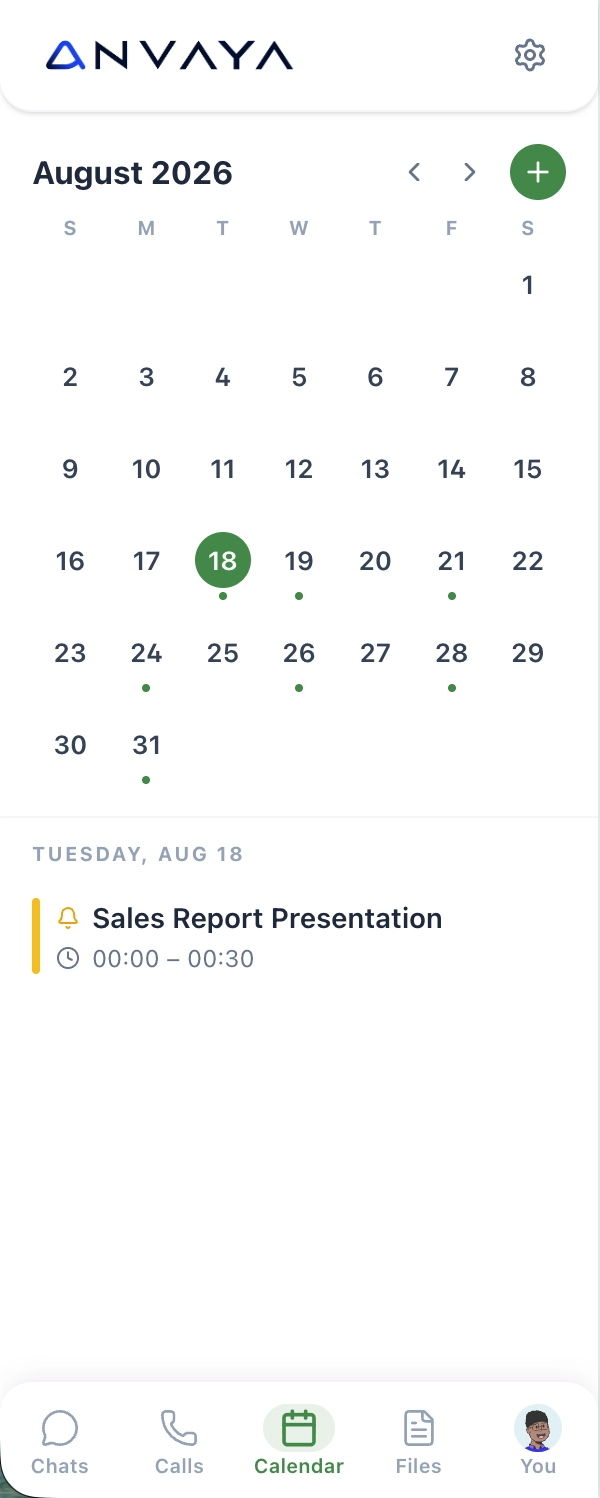
Manage your calendar, access shared files, and keep your workday organized from anywhere.


Security Comparison
From Scattered
Conversations to
One Connected Workspace

Problem 01
Important conversations are spread across individual chats, team channels, and different threads. Updates, decisions, and shared information are easily missed or difficult to find later.

Problem 02
Calls, meetings, files, links, and conversations live in separate places, making it difficult for teams to move from discussion to action without switching between tools.

Solution 01
Bring direct messages, team channels, files, links, and conversations into one connected workspace, keeping every discussion organized and accessible.
Solution 02
Connect conversations with meetings, calls, shared files, and Anvaya modules so teams can discuss, share, collaborate, and act without leaving the platform.
Talk less.
Get More Done.
One connected workspace for conversations, teams, calls, files, and the actions that move work forward.


Inventory

Sales E-com

Procure

Production

Procure
Market Place

Warehouse

Logistics

Weigh Bridge

Scan

Sales

Connect


What conversations need my attention
right now?
What did I miss while I was away?
Which team discussions are still waiting
for a response?


Connect any AI provider through a custom API and bring AI intelligence directly into Security. Run predictive risk analysis and get real-time security insights.
Your Chat Data.
Your Rules.
Your AI.


Show me the latest updates from
my teams.

Which messages contain important files
or decisions?

Summarize everything important
from today's conversations.
Frequently Asked Questions
Questions, answered
Can I chat privately with individual employees?
Yes. Chat supports direct messages for one-to-one conversations while keeping team discussions separate.
Can we create team channels for different departments or projects?
Yes. Create dedicated channels for teams, projects, topics, or ongoing discussions so conversations stay organized.
Can I share files, images, and links in chat?
Yes. Share files, images, links, and other work information directly within conversations for easy access and collaboration.
Can I make voice or video calls from chat?
Yes. Start calls directly from conversations or team channels without switching to another application.
Can I see messages I missed?
Yes. Chat keeps your conversations organized so you can quickly catch up on unread and recent messages.
Can chat connect with other Anvaya modules?
Yes. Chat can connect conversations with relevant business activities, records, files, and workflows across Anvaya.
Can I search through conversations?
Yes. Search helps you find employees, conversations, channels, and shared information quickly.
Can I access chat from my mobile?
Yes. Your conversations, channels, calls, calendar, and shared files can be accessed from the mobile experience.
9:41

Talk. Connect.
Get Things Done
Bring teams, discussions, files, and actions together without losing context.
Your Facility Has More Than One Security Problem.
Your Business Has
More Than One Conversation.
Traditional security mainly controls physical entry. Anavya connects physical access with the operational activity happening inside the business.
More Than Chat. It's How Work Connects
Bring people, messages, files, calls, and business workflows together in one connected workspace.
Where Teams Turn Conversations Into Action.
Bring discussions, updates, files, and decisions together so everyone stays aligned and work keeps moving.
Meetings that start with a Message.
Share meeting links directly in chat and bring your team from conversation to collaboration in one click.
Meetings That Bring Everyone Together.
Connect face-to-face, share screens, and collaborate in real time - without leaving your connected workspace.
Never Miss A Conversation
See every call, follow up instantly, and keep your communication history connected.
Everything You Need, Right on Schedule.
Manage your calendar, access shared files, and keep your workday organized from anywhere.
From Scattered
Conversations to
One Connected Workspace
Problem 01
Important conversations are spread across individual chats, team channels, and different threads. Updates, decisions, and shared information are easily missed or difficult to find later.
Problem 02
Calls, meetings, files, links, and conversations live in separate places, making it difficult for teams to move from discussion to action without switching between tools.
Solution 01
Bring direct messages, team channels, files, links, and conversations into one connected workspace, keeping every discussion organized and accessible.
Solution 02
Connect conversations with meetings, calls, shared files, and Anvaya modules so teams can discuss, share, collaborate, and act without leaving the platform.
One Platform. One Business.


Your Chat Data.
Your Rules.
Your AI.
Connect any AI provider through a custom API and bring intelligence into Connect — surface what needs attention and summarize what matters across your conversations.
Frequently Asked Questions
Questions, answered
Yes. Chat supports direct messages for one-to-one conversations while keeping team discussions separate.
Yes. Create dedicated channels for teams, projects, topics, or ongoing discussions so conversations stay organized.
Yes. Share files, images, links, and other work information directly within conversations for easy access and collaboration.
Yes. Start calls directly from conversations or team channels without switching to another application.
Yes. Chat keeps your conversations organized so you can quickly catch up on unread and recent messages.
Yes. Chat can connect conversations with relevant business activities, records, files, and workflows across Anvaya.
Yes. Search helps you find employees, conversations, channels, and shared information quickly.
Yes. Your conversations, channels, calls, calendar, and shared files can be accessed from the mobile experience.

Operational software and unified enterprise backbones for physical industries. We build the systems that actually run real workflows.
© 2026 Anvaya. All rights reserved.
